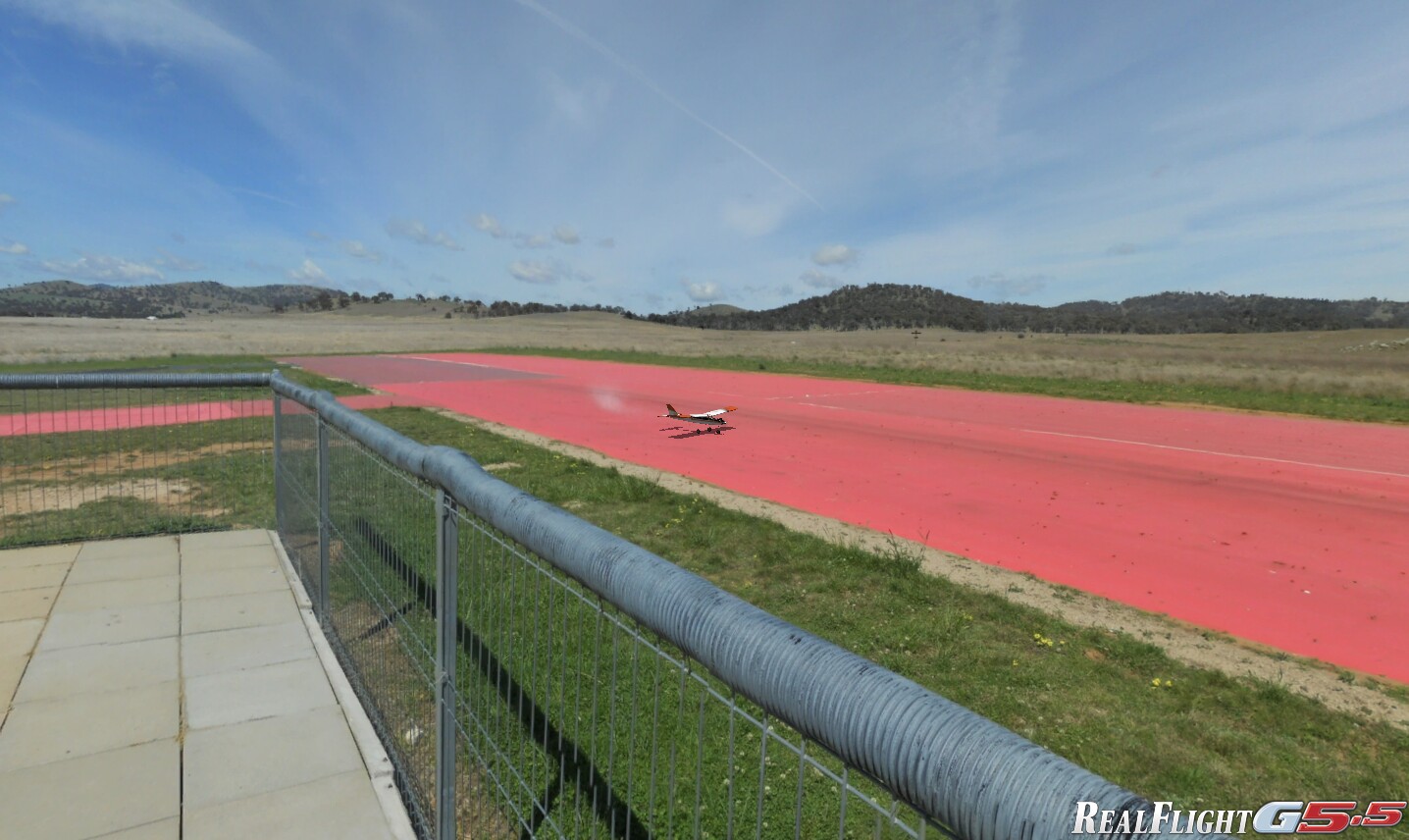
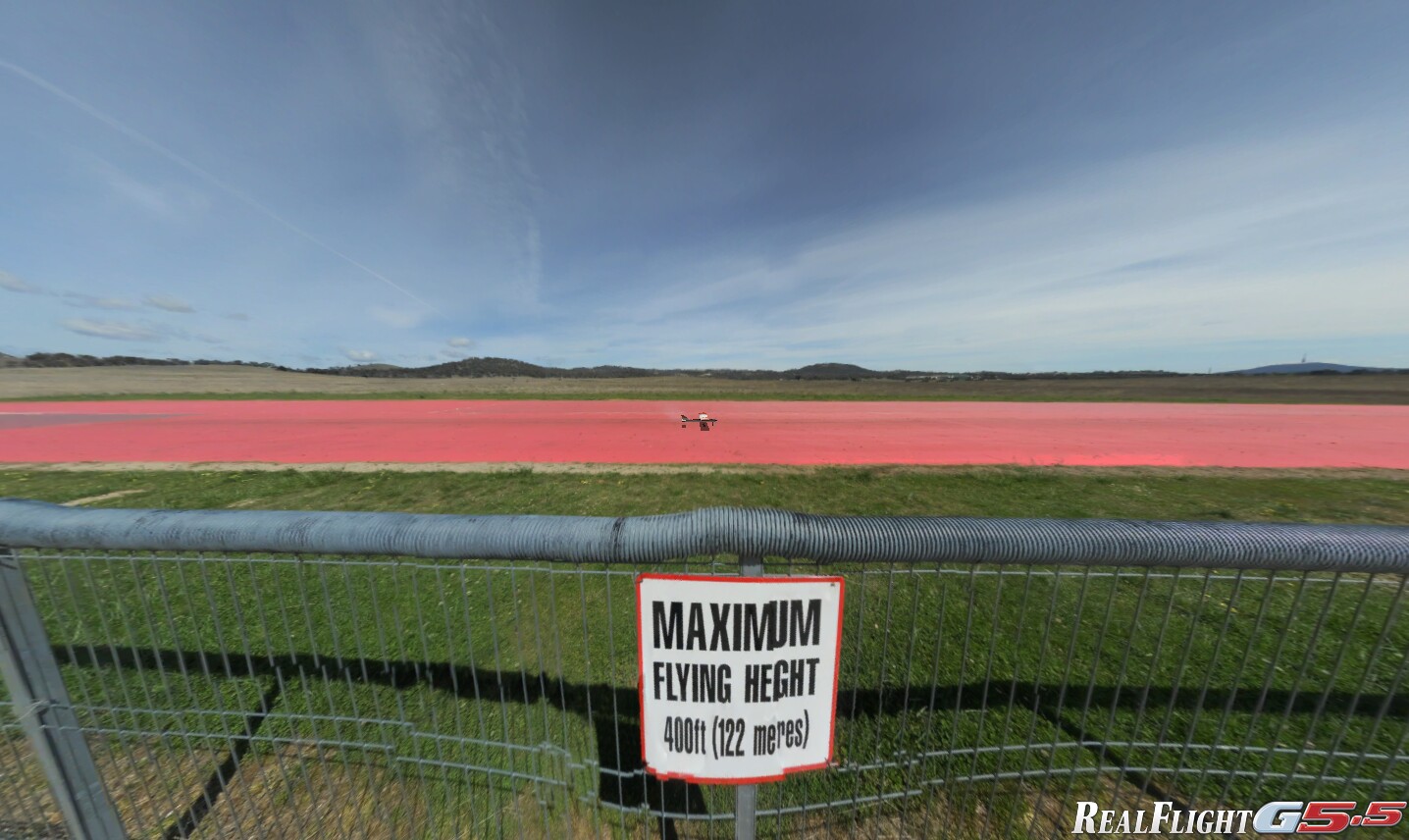
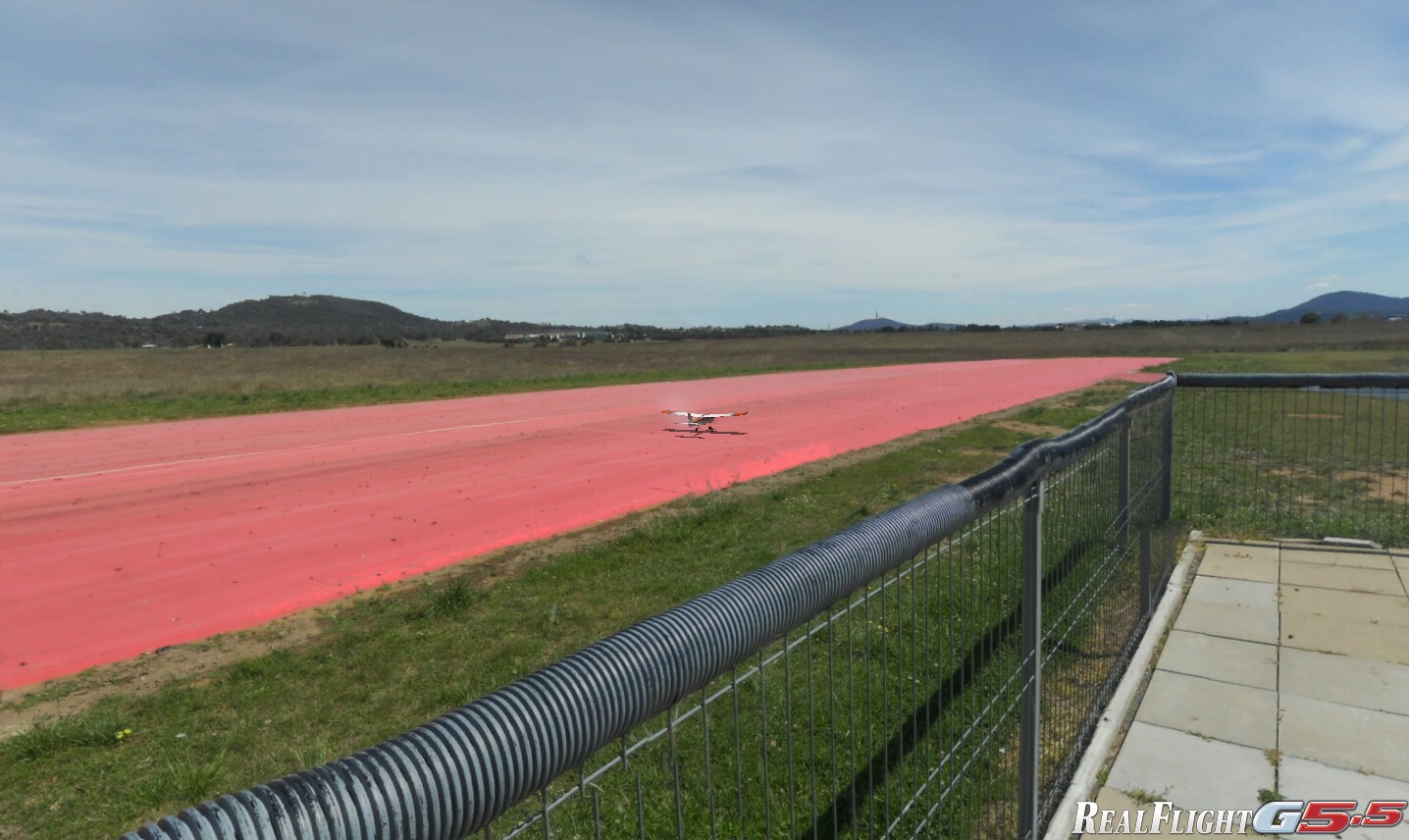
RealFlight Flight SimulatorOne of the best-selling PC Flight Simulators for R/C Model Aircraft is RealFlight. The RealFlight package includes a USB-connected full-feature transmitter with digital trims. Out of the box it supports over 86 model aircraft types and 30 international flying sites. RealFlight Site File for CMACThe first version of the RealFlight PhotoField™ add-in site file for the CMAC Field is now available at no cost to CMAC members with RealFlight. It will work with all RealFlight versions from 4.5 to 9.5. Shown at right are RealFlight screenshots with the CMAC site file installed. Download Site File for CMACClick here to download your copy of CMAC8000x3500-scaled_PI.RFX. This file is approximately 12.5 Mb in size. Install Site File for CMAC
Thanks to Richard Wood for preparing the screen shots and installation instructions for this article. |
|